
I've got one of these mice:
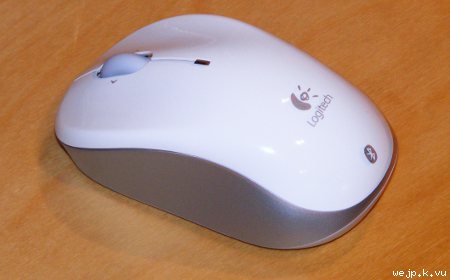
It is a Logitech V470 Bluetooth mouse and it is about two years old. Unfortunately, recently the left mouse button decided to not perform any single clicks anymore. Instead only double and triple clicks were possible. This was very annoying.
I decided not to throw it in the trash but try to repair it.
It is a Logitech V470 Bluetooth mouse and it is about two years old. Unfortunately, recently the left mouse button decided to not perform any single clicks anymore. Instead only double and triple clicks were possible. This was very annoying.
I decided not to throw it in the trash but try to repair it.
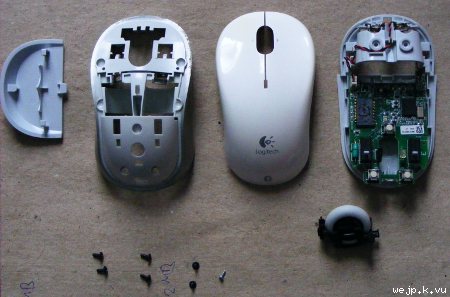
So, first I disassembled the mouse.
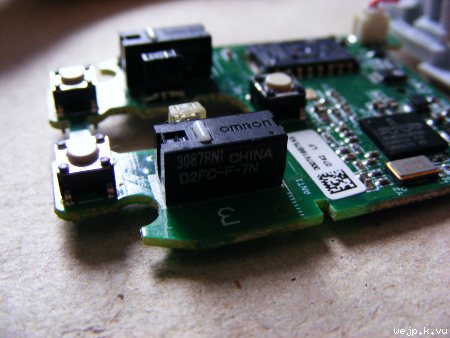
Here is the culprit. The switch of the left mouse button needs to be replaced.
To find a replacement switch I've opened a very old mouse...
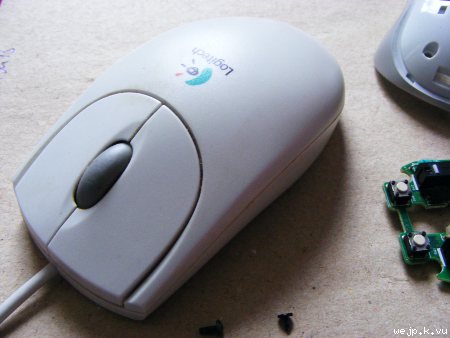
...it is so old, it even has a ball instead of an optical sensor.
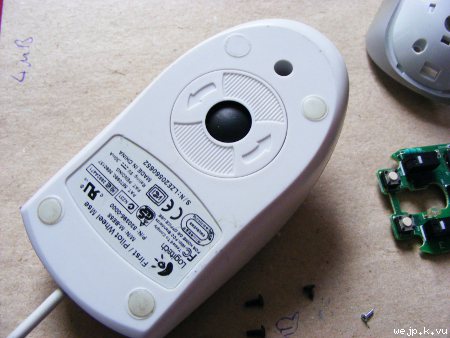
Luckily the switches used in that mouse had exactly the same dimensions as those used in my Bluetooth mouse.
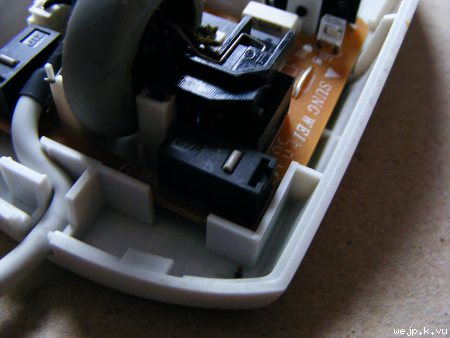
This is what the desoldered switch looks like. I've used the switch of the right mouse button, as this one has probably been used much less than that of the left button.
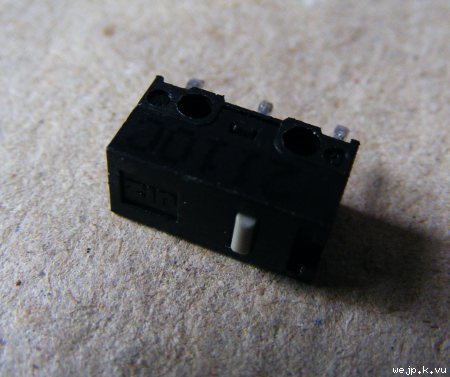
Then I have removed the broken switch from the Bluetooth mouse...
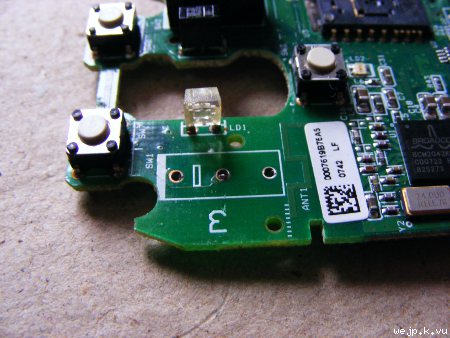
...and replaced it with the switch from the old mouse.
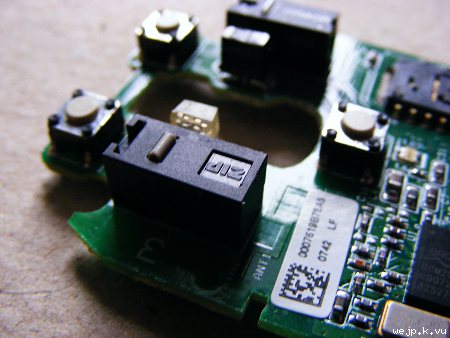
After putting everything back together, the mouse is as good as new. No more unintended double and tripple clicks.
Here is the culprit. The switch of the left mouse button needs to be replaced.
To find a replacement switch I've opened a very old mouse...
...it is so old, it even has a ball instead of an optical sensor.
Luckily the switches used in that mouse had exactly the same dimensions as those used in my Bluetooth mouse.
This is what the desoldered switch looks like. I've used the switch of the right mouse button, as this one has probably been used much less than that of the left button.
Then I have removed the broken switch from the Bluetooth mouse...
...and replaced it with the switch from the old mouse.
After putting everything back together, the mouse is as good as new. No more unintended double and tripple clicks.